Upgrade Your Instagram Experience for Free on iPhone - iOS Mods
Download photos, videos, and audio in full quality to a passcode-locked gallery. Hide ads and Meta AI, view stories in Ghost Mode, see who unfollowed you, and keep deleted messages. No PC or jailbreak.
If you use Instagram every day, you have probably wished the app gave you more control over your privacy, media downloads, and feed interface. Maybe you want to read a message without sending a read receipt, get rid of annoying Meta AI prompts and sponsored ads, or save reels directly to a private, passcode-locked gallery.
The regular Instagram app does not offer these options. That is where SKInstagram comes in.
SKInstagram is a powerful tweaked version of Instagram for iOS packed with over 190 features. You can download any photo, video, or audio in full quality, see who unfollowed you, hide unwanted suggestions, and keep messages even after they are deleted. Best of all, everything stays on your device for maximum privacy, and you do not need a computer or jailbreak to install it.
There are other Instagram tweaks in the iOS Mods library, including Instagram SAT, Instagram Regram, and BHInstagram++. However, SKInstagram is the ultimate choice if you want over 190 customizable features in one seamless iPhone app.
| App name | SKInstagram |
| Features count | Over 190 features |
| Instagram version | 451.0.0 |
| Works on | iOS 15.0 or later |
| Jailbreak | Not needed |
How to Use SKInstagram on iPhone
Getting started is simple. Once you have installed SKInstagram, open the app, log in to your account, and go to your Instagram profile. Open the settings menu to access the dedicated SKInstagram configuration panel.
With over 190 features available, you have complete flexibility. You can easily toggle individual privacy controls, media downloaders, and feed customizations on or off to match your exact preferences. Because everything stays locally on your device, your data and saved media remain completely private.
SKInstagram Features in Detail
Here is a detailed breakdown of the standout enhancements included in SKInstagram:
1. Ultimate Privacy: Ghost Mode, Deleted Messages & Unfollow Tracker
If you prefer to keep your Instagram activity private and stay informed about your interactions, SKInstagram gives you full control over your visibility and chat history.
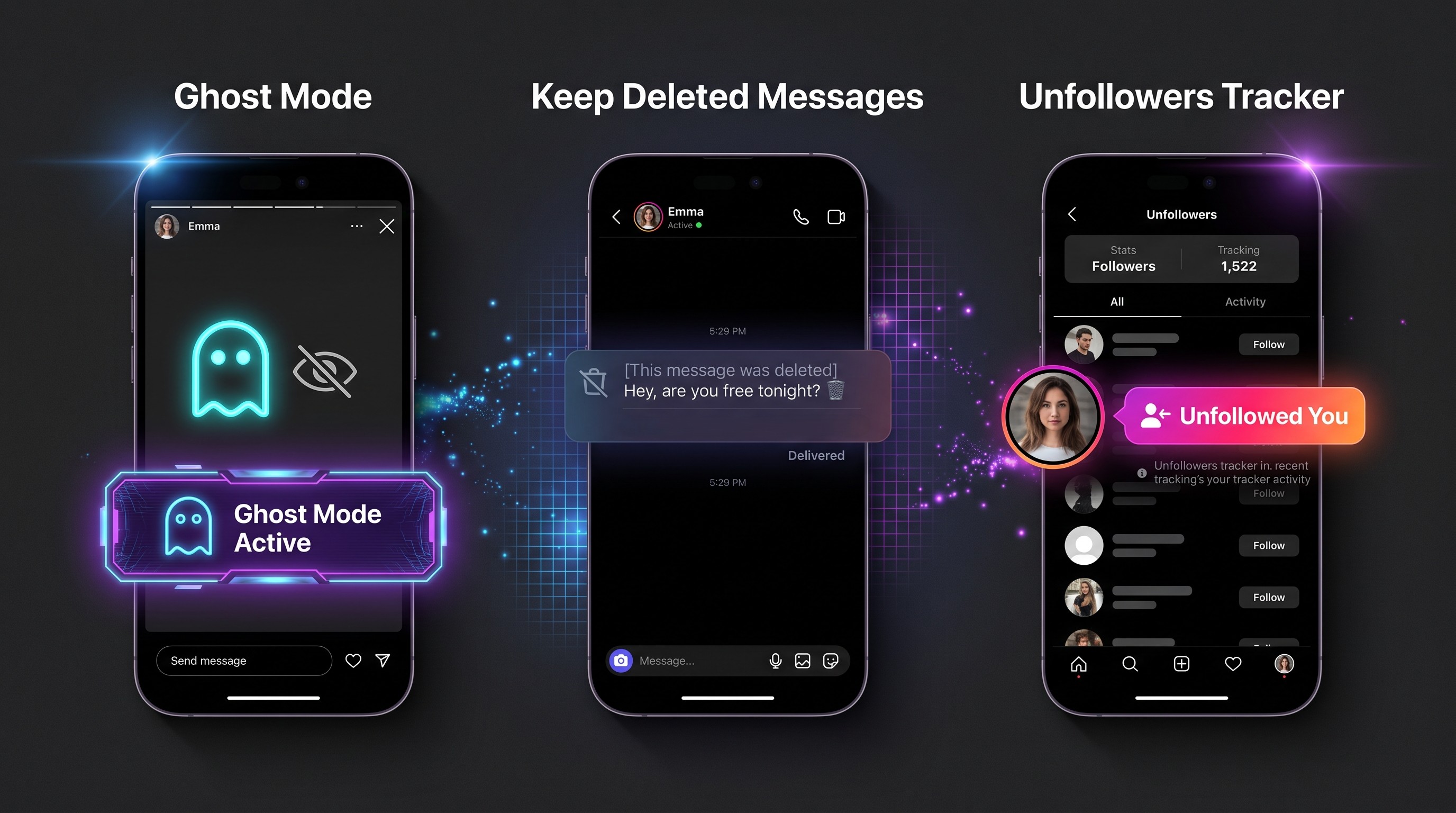
- Selective Ghost Mode for Stories & DMs: Decide precisely who knows you have seen their story or read their direct message. You can view stories anonymously and read messages without triggering the "Seen" receipt until you choose to reply.
- Keep Deleted Messages: Never miss a recalled text or attachment again. When someone sends a message and later "unsends" or deletes it, SKInstagram keeps the message visible inside your chat history.
- Built-in Unfollow Tracker: Stop guessing or using risky third-party tracker apps. Easily see who unfollowed you directly inside Instagram without compromising your account security.
- 100% On-Device Privacy: Everything stays on your iPhone. Your browsing habits, chat logs, and account credentials are never routed through external servers.
2. Full-Quality Media Downloader & Passcode-Locked Gallery
One of the biggest reasons to install SKInstagram is its built-in media saver and private vault, eliminating the need for third-party downloader websites or screen recording.
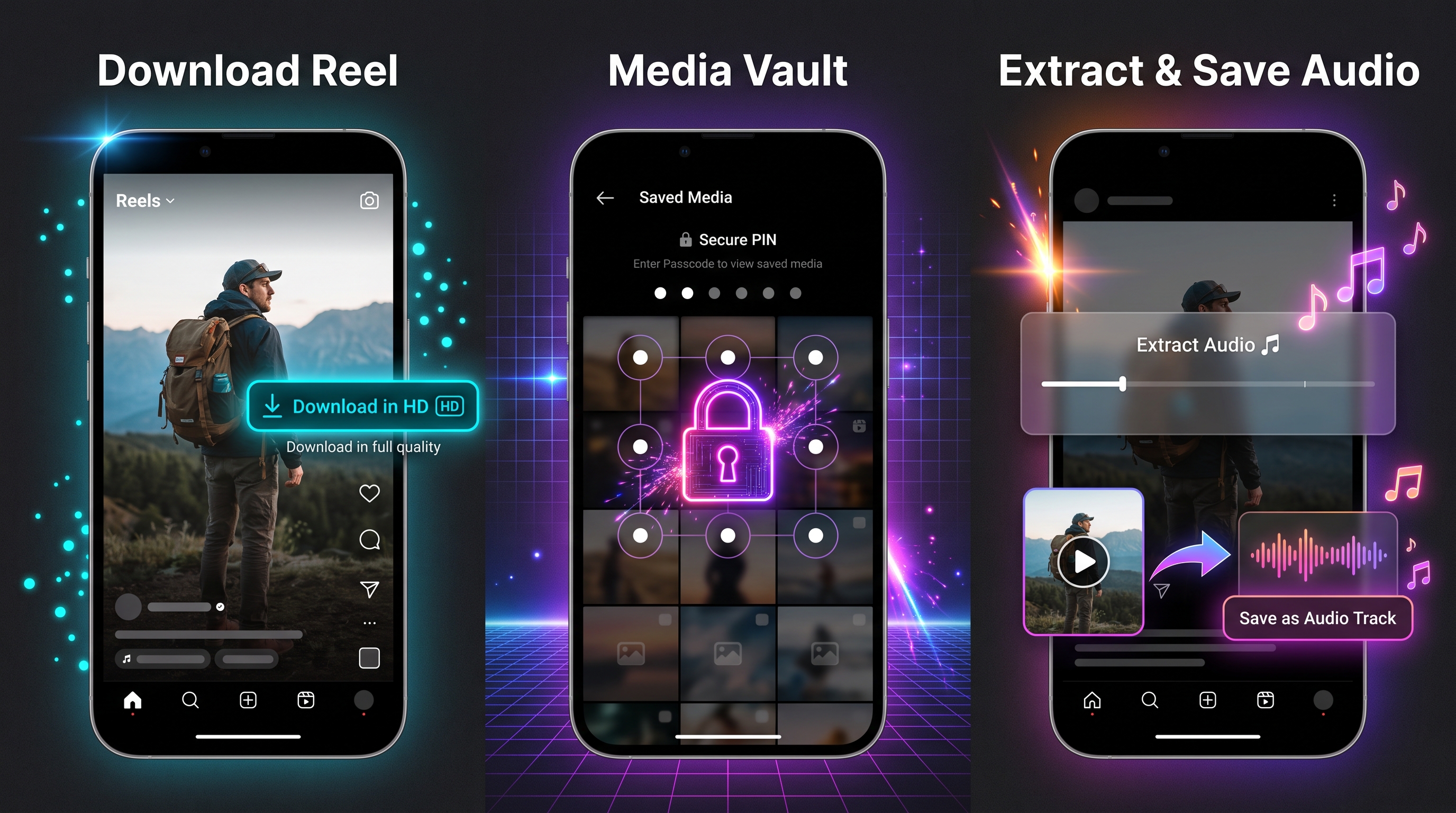
- Download Photos, Videos, and Audio in Full Quality: Save any feed post, Reel, story, or audio track in its original, uncompressed resolution directly from the Instagram interface.
- Private Passcode-Locked Gallery: Instead of cluttering your main iOS Camera Roll, you can keep your downloaded photos, videos, and audio files safe inside a built-in, passcode-protected (or Face ID) private gallery right inside the app.
- Save Audio Tracks: Easily extract and download original audio or music from Reels and videos for offline listening or content creation.
Remember to respect creators' rights and avoid reposting downloaded media without permission.
3. Clean Interface: Hide Ads, Meta AI & Unwanted Suggestions
Instagram's standard feed has become increasingly cluttered with AI chatbots, sponsored posts, and algorithmic recommendations. SKInstagram lets you take back control of your timeline.
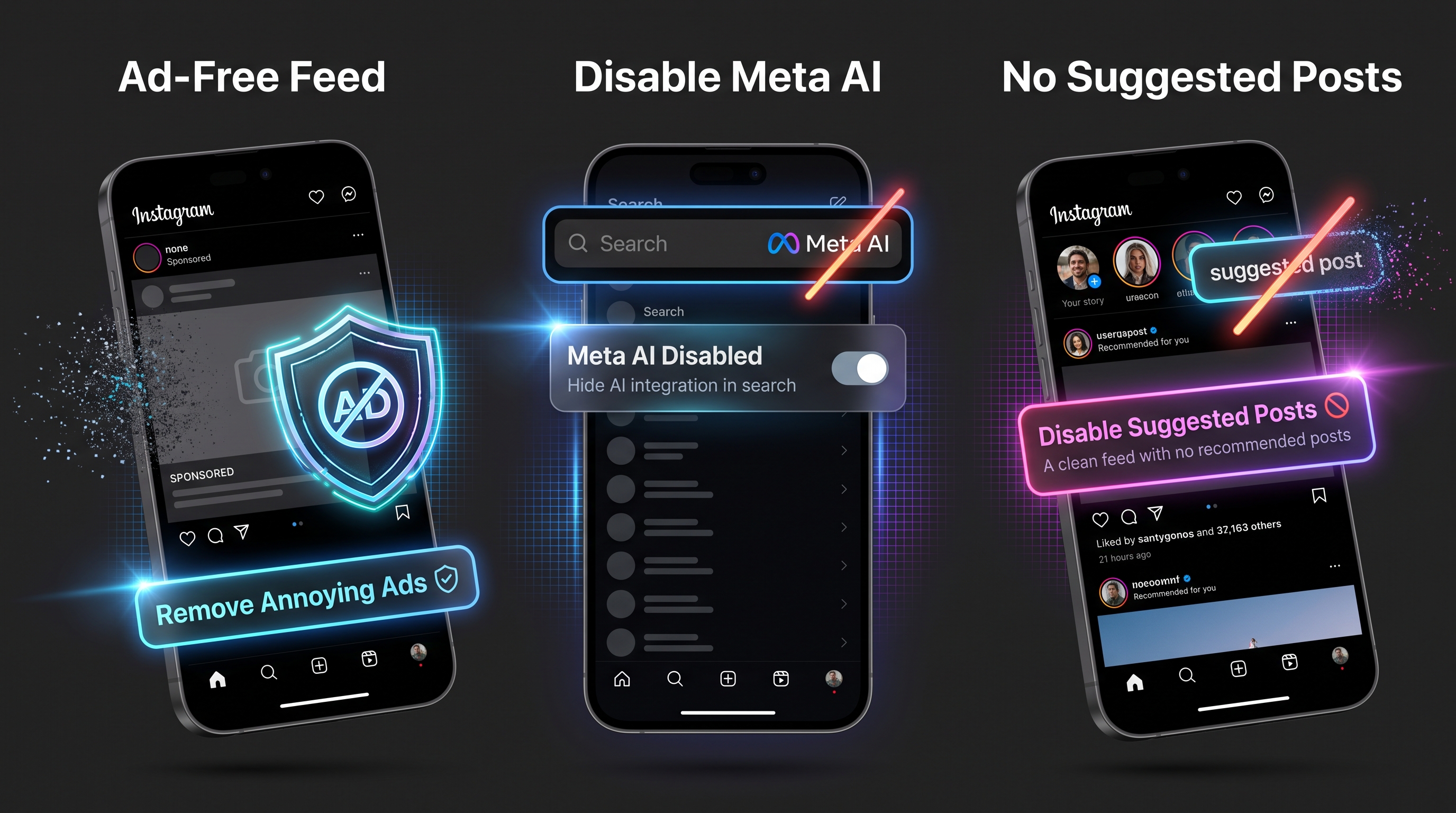
- Remove Meta AI: Annoyed by the Meta AI search bar and chatbot prompts? SKInstagram lets you completely hide Meta AI integrations for a clean, distraction-free experience.
- Block All Annoying Ads: Hide sponsored posts, story ads, and promotional banners across your home feed and Explore page.
- Hide Suggestions: Get rid of "Suggested for you" posts, recommended reels, and "Accounts you may like" cards so you only see content from the people you actually follow.
- Over 190 Custom Tweaks: Fine-tune playback behavior, confirmation prompts (to prevent accidental likes or follows), and UI elements to make Instagram work the way you want.
How to Install SKInstagram on iOS (No Jailbreak or PC)
SKInstagram is available directly through the iOS Mods app library. You do not need to jailbreak your iPhone or connect to a computer to install it.
To get started:
- Open the SKInstagram download page in Safari on your iPhone.
- Follow the simple on-screen installation steps provided by iOS Mods.
- Once installed, open SKInstagram from your home screen and log in.
- Go to your profile settings, open the SKInstagram menu, and enable the features you want to use.
Is SKInstagram Worth Trying?
If you want to block ads, disable Meta AI, save full-quality videos into a private passcode-locked gallery, see who unfollowed you, and read messages in Ghost Mode, SKInstagram is easily the most comprehensive Instagram mod available for iPhone.
With over 190 features and complete on-device privacy, it replaces multiple separate downloader and unfollow-tracker apps with one clean, all-in-one solution.
Want to try it? Visit the SKInstagram page on iOS Mods for the latest release and instant installation.
- 10 Best Tweaked Apps for iPhone in 2026 (No Jailbreak) - iOS ModsLooking for the best tweaked apps for iPhone in 2026? The standard App Store offers plenty of great applications, but sometimes you want more features, extra customization options, or access to tools that aren't included in the regular versions.
- Spotify Premium for Free on iPhone: Pro vs V2 Edition - iOS ModsListen to Spotify without ads, unlock unlimited skips, and stream in extreme audio quality on your iPhone. Compare Spotify Pro and Spotify V2 to find your best iOS install.
- How to Enable Developer Mode on iPhone (Fix the Missing Option for Free) - iOS ModsLearn how to enable Developer Mode on iPhone running iOS 16 or later. Follow the standard method, use Apple's official Xcode method on a Mac, or troubleshoot the missing Developer Mode option when installing apps from iOS Mods.